
Authentication
HeliosLogs uses stateless JWT sessions — there's no server-side session store. This page covers how login, sessions, and passwords work; for single sign-on see SAML SSO, and for programmatic access see API keys.
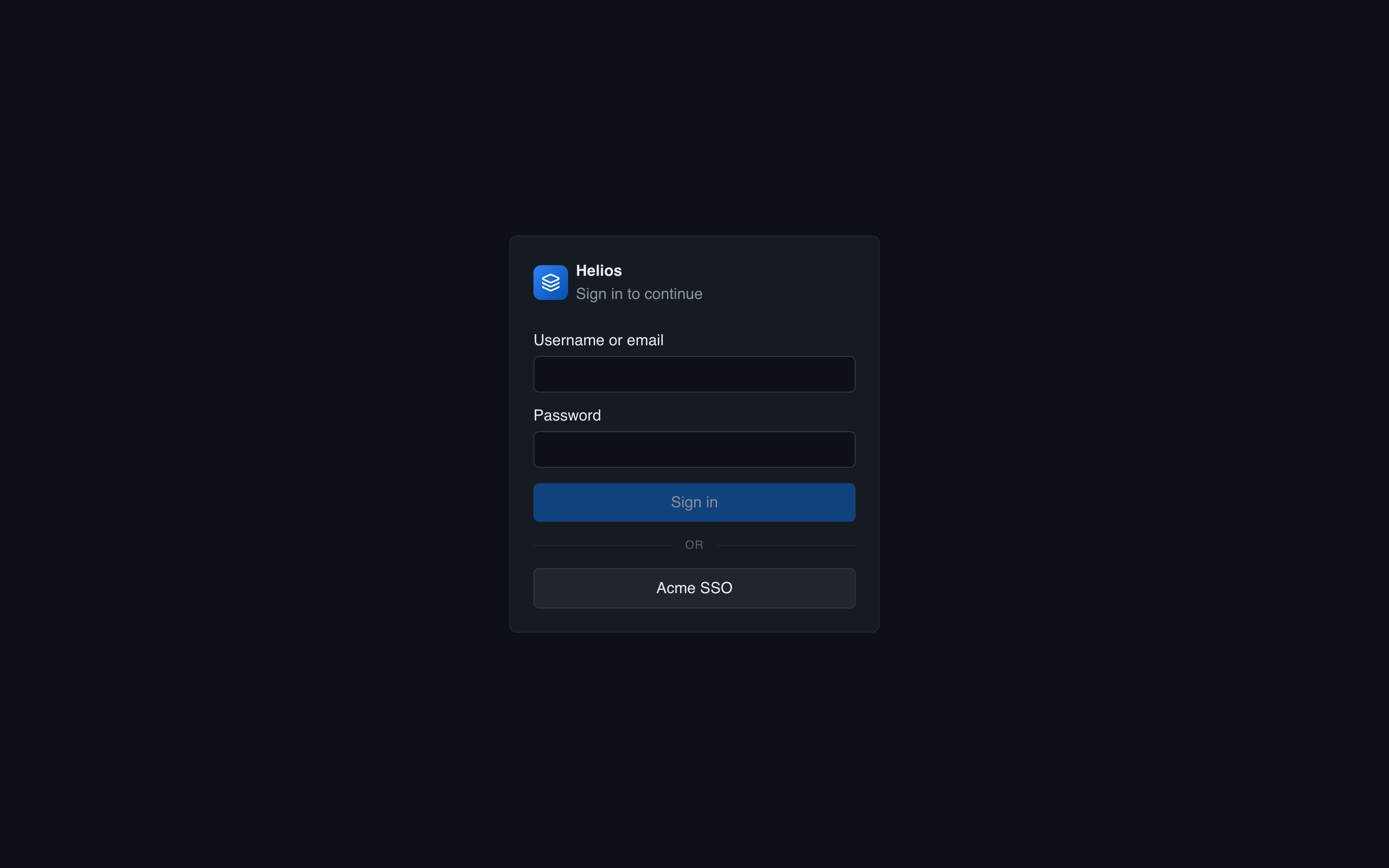
Login and sessions
A user signs in with their userid (or email) and password. HeliosLogs verifies the password and mints a JWT, signed HS256 with the instance's JWT secret. The browser stores the token and sends it as Authorization: Bearer <token> on every request.
Tokens are validated locally on each request — signature, the pinned HS256 header (an alg:none/algorithm-confusion defense), and expiry — with no database round-trip. The token carries only the user id and a credentials version.
Token lifetime and refresh
| Aspect | Behavior |
|---|---|
| Lifetime | Set by HELIOS_AUTH_TOKEN_TTL_HOURS (default 168 = 7 days). |
| Sliding refresh | Active users get a fresh token (via a response header) once their current one is past roughly half its lifetime — so an active session doesn't expire mid-use. |
| Idle cap | An idle session expires at the full lifetime. |
Lowering the TTL only affects tokens minted afterward. Tune it in Admin → General or via the env var.
Passwords
Passwords are hashed with PBKDF2-HMAC-SHA256 (600,000 iterations). Admin-provisioned passwords are 20-character random strings.
Users change their own password on the Account page (current + new). There's no email-based reset flow; an admin regenerates a password if a user is locked out, or use the HELIOS_ADMIN_RESET break-glass for the admin account.
Revocation
Each account has a credentials version counter that's embedded in its tokens. Changing a password (or an admin reset) increments it, and since every request compares the token's version against the current one, all existing sessions for that user are invalidated immediately — no waiting for tokens to expire.
Account self-service
On the Account page a user can:
- Change their password.
- Set their timezone (used for all timestamp display across the app).
- Choose their theme and color palette.
These preferences follow the user across browsers.
Multi-node note
All nodes must share the same JWT secret, or a token minted on one node is rejected by another. See Secrets & encryption and Multi-node.